This is an unofficial container build that I maintain for convenience. It is not affiliated with or endorsed by Bitfocus — just something I run and share to make deployments easier.
As always, it’s kept simple and aimed at people who want a quick, clean way to get Companion running in Docker without messing around. If you’re already running it, pull the latest and update.
More tweaks and improvements to come when I remember to actually post them.
Consistently during online meetings, I found myself being interrupted by well-meaning people in my life. As much as I appreciate the intention, sometimes deep concentration is needed — and once I’m in the middle of a technical discussion, breaking focus isn’t ideal.
Naturally, my technical brain decided there had to be a technical solution.
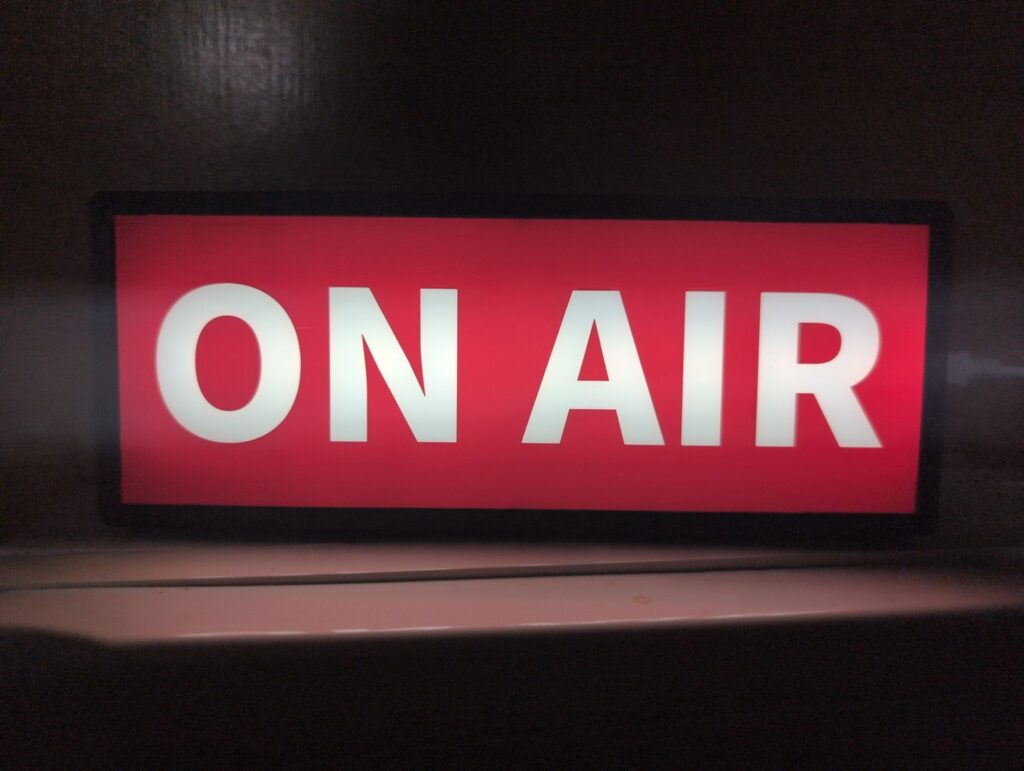
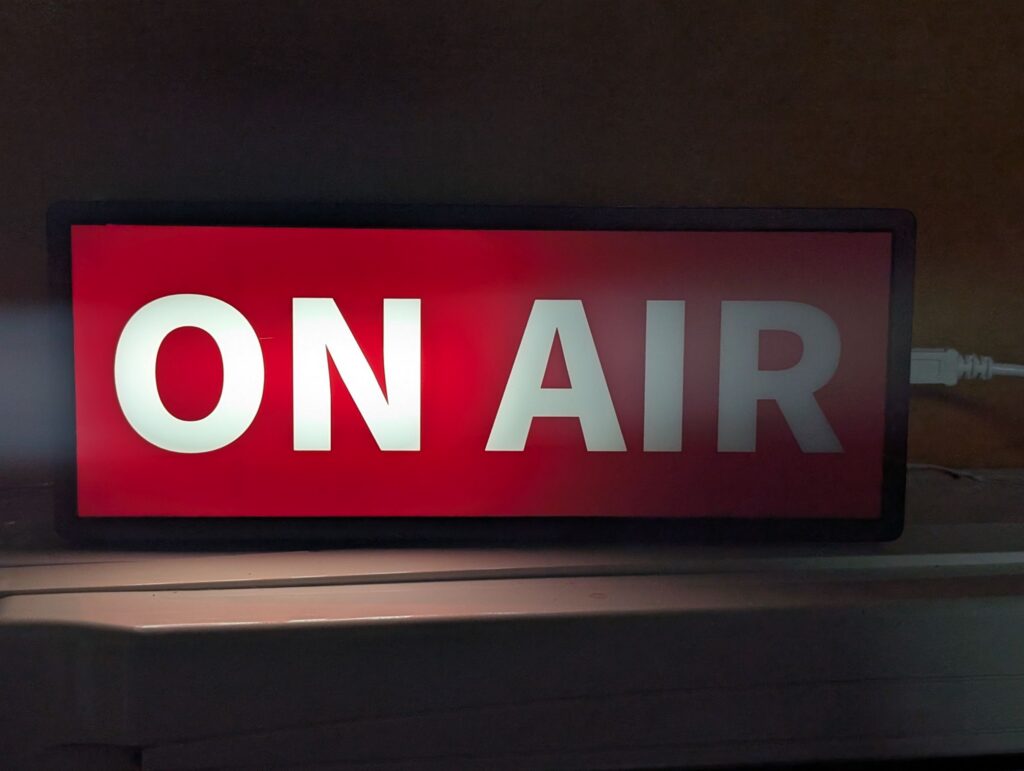
That solution came in the form of a cheap “On Air” sign from Amazon, modified with a Raspberry Pi Pico W for wireless control and network integration. The sign now lives outside my office door, acting as a clear physical indicator of whether I’m available or in a meeting.
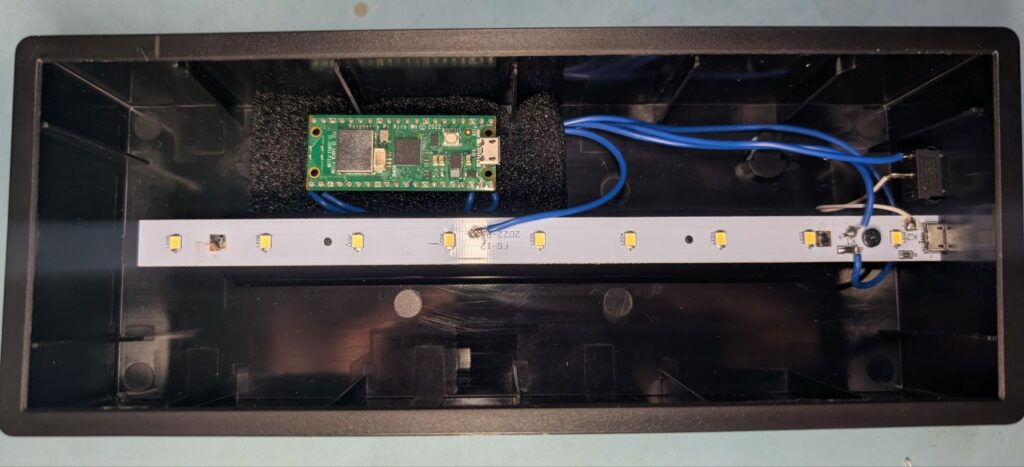
The Pico fits inside the enclosure surprisingly well — in fact, there’s ample room left over for additional hardware if you wanted to extend the project further. Electrically, the modification was fairly straightforward. I tapped into the main power feed from the micro-USB connector on the side of the sign, then cut the 0 V return track to the LED strip and routed it through GPIO pins on the Pico. The original AA battery compartment still works too, so the sign can be powered either via USB or batteries.
One small challenge was current handling. The Pico’s maximum single GPIO pin current is around 12 mA, while the LED strip draws roughly 19 mA. To stay within specifications, I cut the LED track at its midpoint and drove each half from a separate GPIO pin. The Pico’s total GPIO current limit is 50 mA, so this approach keeps everything comfortably within tolerance.
Originally, the plan was to drive both outputs together, effectively treating them as a single output. But once everything was working, I had a better idea: why not alternate them?
That small change gave the sign a flashing mode — and by sheer luck, the two LED banks I separated happened to line up under “ON” and “AIR”. The result is a surprisingly satisfying effect where, in flash mode, the sign alternates between ON and AIR. Sometimes the best features are accidental.
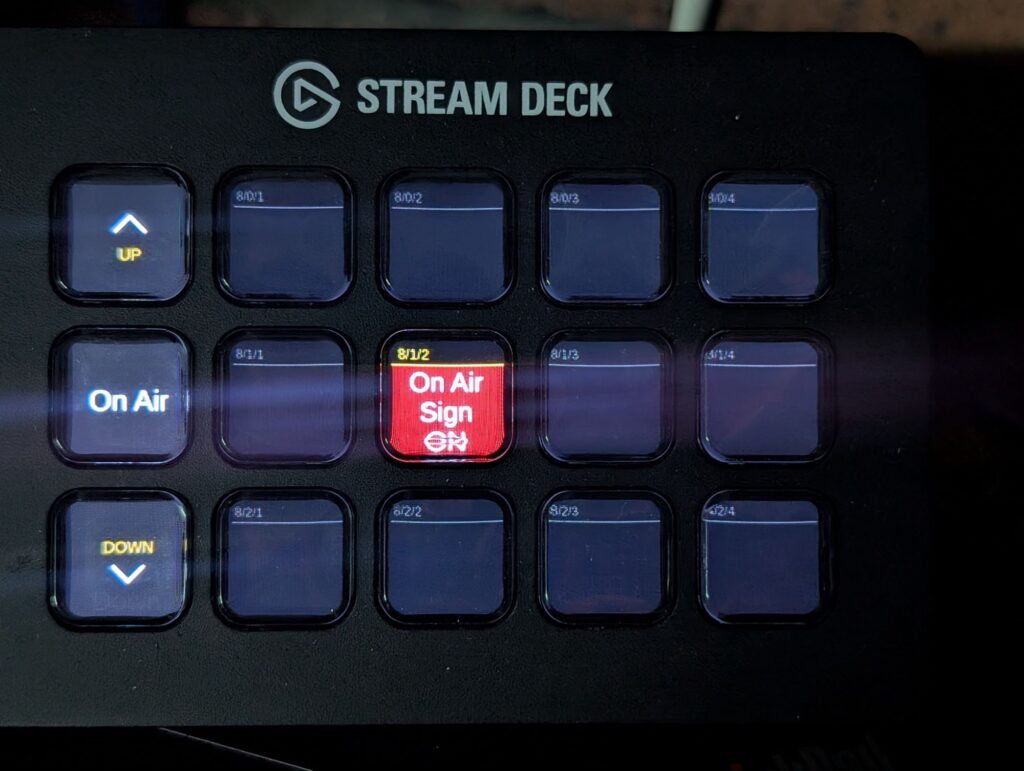
For control, the Pico connects back to my network using MQTT, which allows Home Assistant to manage the sign like any other device. While automations are possible, the most practical setup so far is a button on my Stream Deck, wired through Bitfocus Companion. Pressing it runs a simple script that cycles between Off, On, and Flash modes. It’s quick, intuitive, and easy to use in the moment — exactly what I wanted.
The end result is a small but genuinely useful piece of desk tech: a physical indicator outside my office that clearly shows when I’m in a meeting, remotely controllable, and integrated into my existing automation ecosystem. Simple, effective, and built with parts I already enjoy working with.
Welcome to the website, blog and store, I have no idea what this will turn into, but here we are.
About me:
Electronic Technology Systems Engineer and tinkerer. I build custom solutions to real-world problems – sometimes for work, sometimes just because something annoyed me enough to fix it.
This site is a bit of everything: products I’ve designed, projects I’m working on, technical deep-dives when I feel like writing them, and whatever else seems interesting at the time.
If you’re here for the store, great. If you’re here to see what I’m building, even better. If you’re just browsing, welcome anyway.